


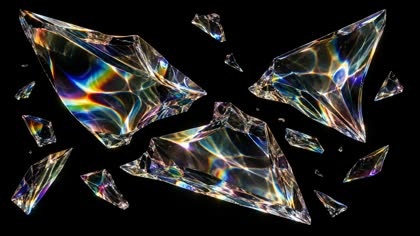
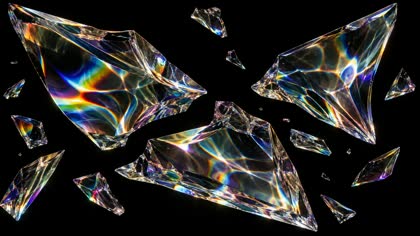
REA—VIDEO Open the lab

Browser video forensics — no upload

Rea Video: reverse-engineer any video. Shot by shot.

Rea Video is a browser-based video reverse-engineering tool. Drop a clip; it finds the cuts, pulls reference frames, and writes a shot-by-shot prompt pack for AI video. Nothing leaves your device. A first pass before you open an editor — or a terminal.

+Drop clipor browse files
Demo frame at 00:00
00:00SHOT 01
Demo frame at 00:01
00:0101
Demo frame at 00:02
00:02SHOT 02
Demo frame at 00:03
00:0302
Demo frame at 00:04
00:04SHOT 03
Demo frame at 00:05
00:0503
Demo frame at 00:06
00:06SHOT 04
Demo frame at 00:07
00:0704
Demo frame at 00:08
00:08SHOT 05
Demo frame at 00:09
00:0905
Demo frame at 00:10
00:10SHOT 06
Demo frame at 00:11
00:1106
00 The workbench

The whole job, in one tab.

Drop a clip. The workbench finds the cuts, pulls the frames, measures the light and motion, and writes the prompt sheet. No timeline to learn, no project file, no render queue. Nothing to install, nothing to upload.

REA—VIDEO No clip loaded / local session MP4 · WEBM · ≤ 3 MIN
Drop a clip on the light table MP4 · WEBM · ≤ 3 min · ≤ 300 MB
Nothing is uploaded. Everything runs here.
Shot strip appears here
Ready. Drop a clip or load the 12-second demo.
Local only. No upload endpoint. MP4 / H.264 · WebM · HEVC depends on the browser
01The pack

A folder you can actually shoot from.

Every run returns the same set of files: a shot list, a storyboard, the frames, the prompt sheet, the measurements, and a self-contained report. No account, no watermark, no export queue.

prompts.md3 variants / shot
01 # SHOT 02 — 00:02.00–00:04.00 (2.0s)
camera slow pull-out, steady
light high-key, hard studio strobe, cool palette
palette #d8c6a4 · #8c1c0c · #1a1512 · #f2ead9
prompt A liquid chrome ribbon on a cream stone plinth…
02 # SHOT 04 — 00:06.00–00:08.00 (2.0s)
camera slow pan right, steady
light low-key, cool shadows, practical neon
palette #ff2d8a · #00c8ff · #120f14 · #6b5b4a
prompt Rain-soaked alley at night, magenta and cyan neon…
03 # SHOT 06 — 00:10.00–00:12.00 (2.0s)
camera slow push-in, macro
light high-key, caustic refractions on black
palette #f7f4ea · #62d8ff · #ffb347 · #0b0b0c
prompt Iridescent glass shards suspended on pure black…
Open the lab
report.htmlself-contained82 KB
REA VIDEO / ANALYSIS REPORT12.0s

Six shots.
One honest page.

  1. 01 Summary & limits +
  2. 02 Shot table & timecodes +
  3. 03 Measurements & method +
  4. 04 Prompt sheet +
  5. 05 breakdown.json +
opens in any browserno scripts
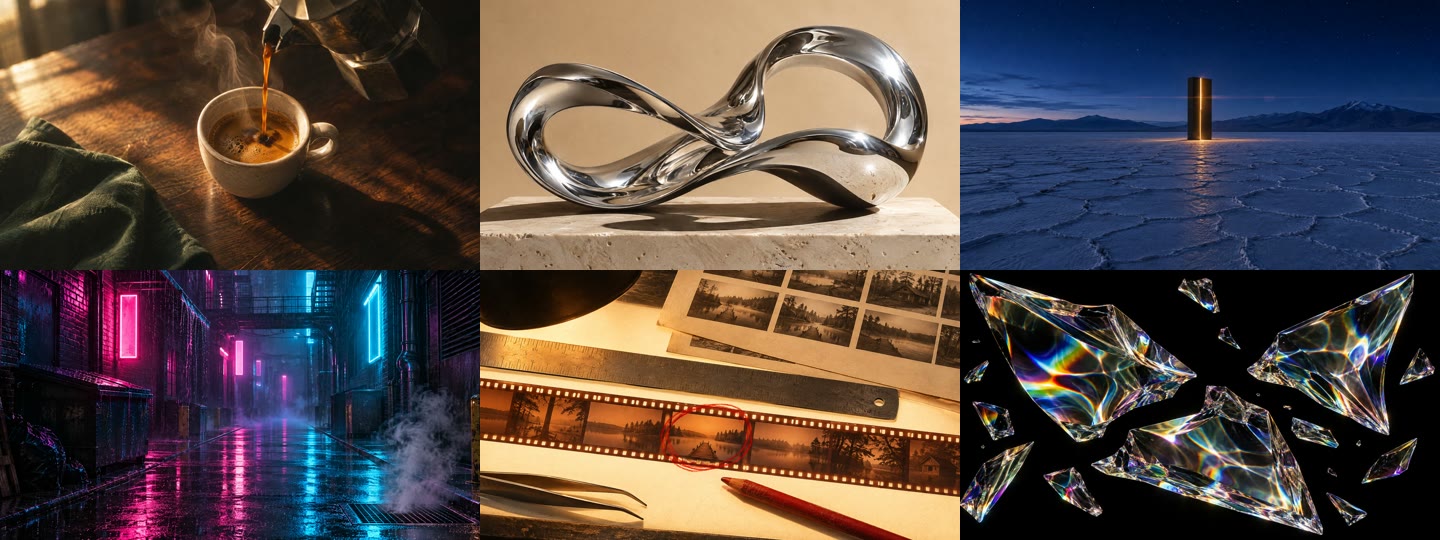
storyboard.jpg6 shots · 12.0s1440 × 540
Six-shot contact sheet from the demo reel contact sheet / every cut
shot 01 — shot 06timecode burned inprint-ready
frames/2 per shotJPG
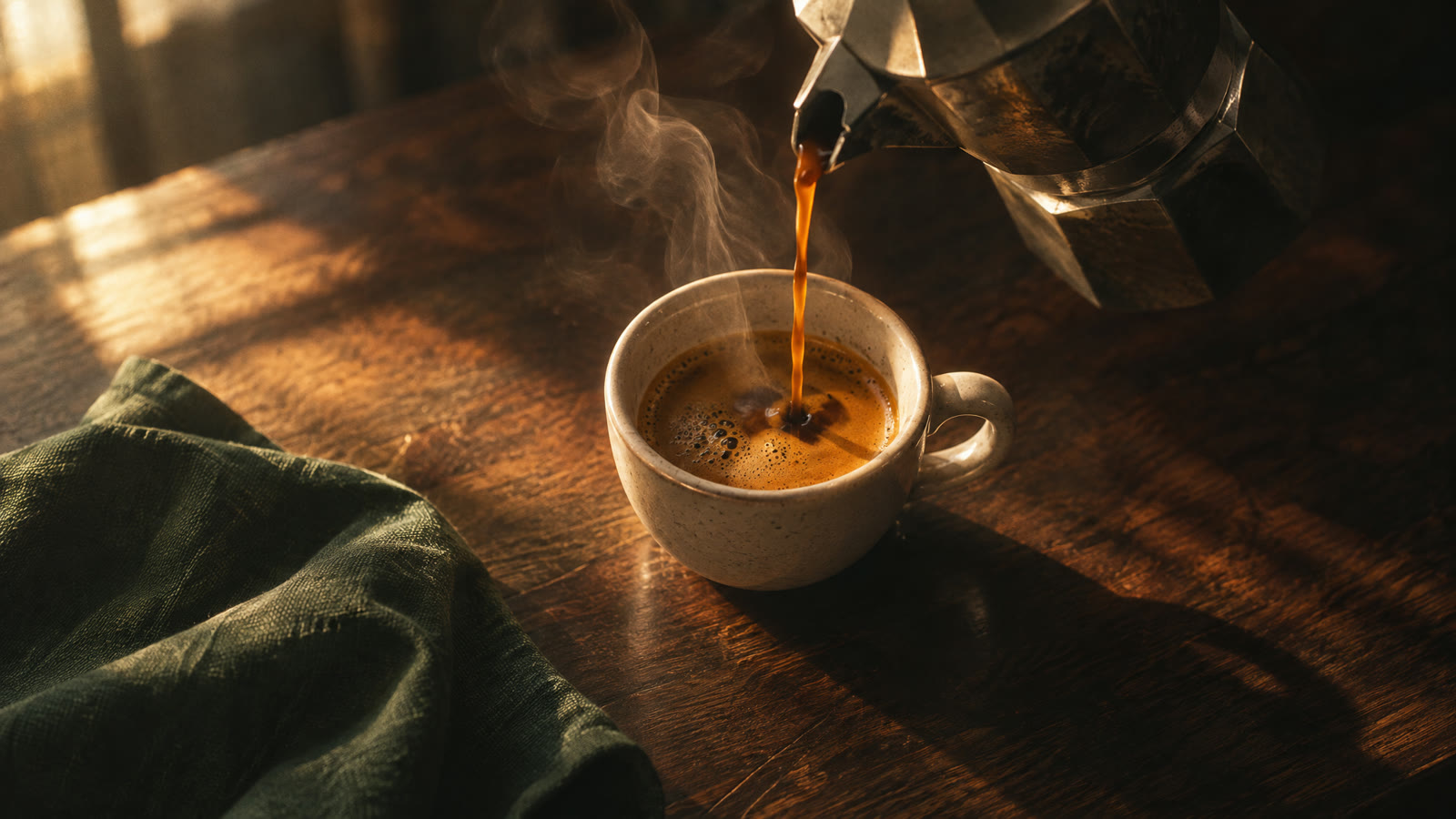
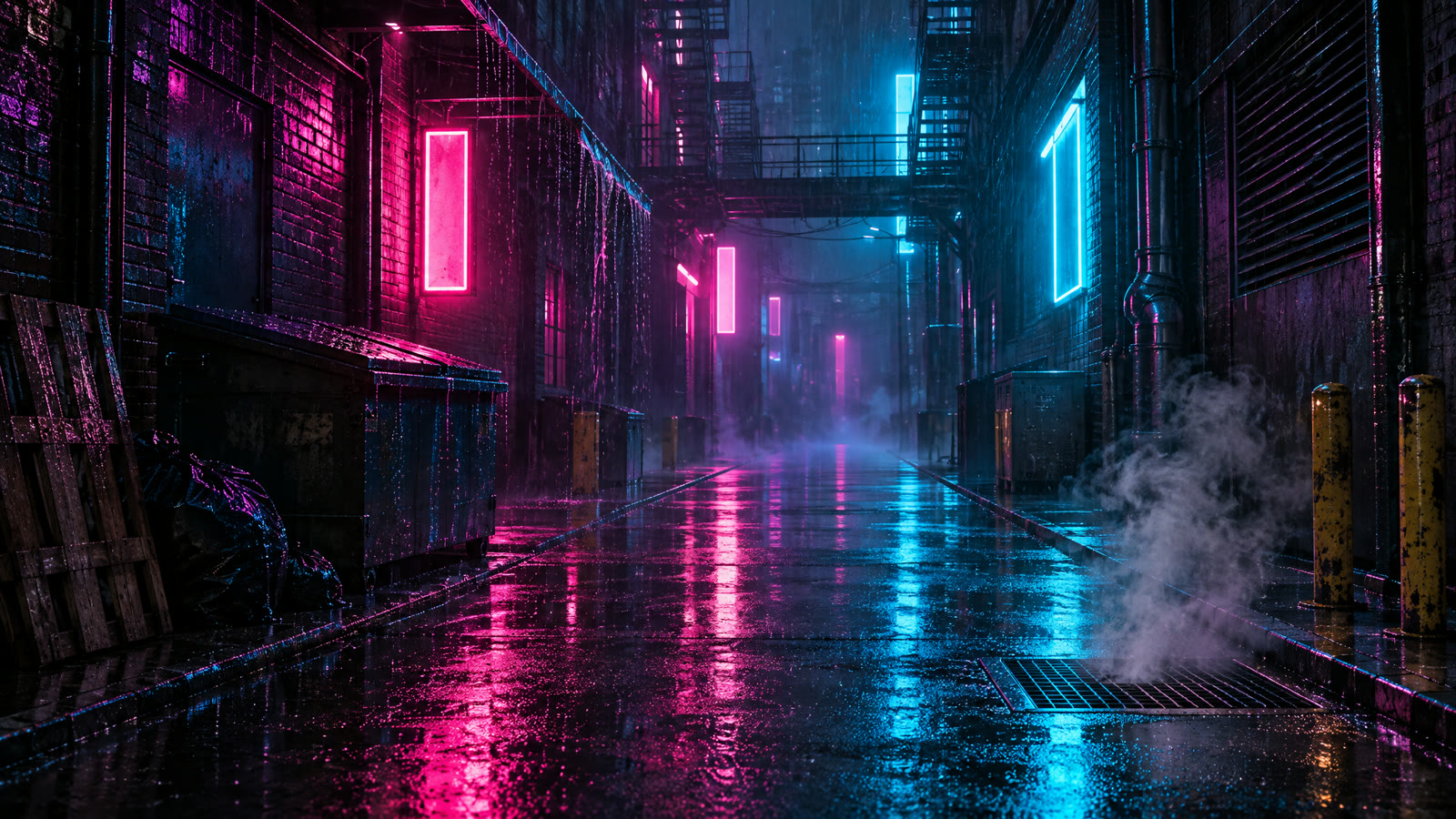
Reference frame: espresso pour Reference frame: chrome ribbon Reference frame: rain alley
first / midnamed by shot
shots.csv5.8 KB
shotinoutlumamove
010.002.000.18push
022.004.000.76pull
034.006.000.12static
046.008.000.09pan →
058.0010.000.74pan →
0610.0012.000.04push
02The method

It measures the frame before it writes a word.

Hover a measurement. The overlay shows what the browser actually read: where the cut lands, which way the frame moves, how dark the shadows sit, where the beat falls.

01Cut confidence0.94 ±0.04s
02Luma key0.09 low key
03Palette5 colors measured
04Motionpan right estimated
05Rhythm90 BPM demo track

No guesswork dressing. Every value here is also written to shots.csv and breakdown.json, with the method noted in the report. If a measurement is weak, the report says so.

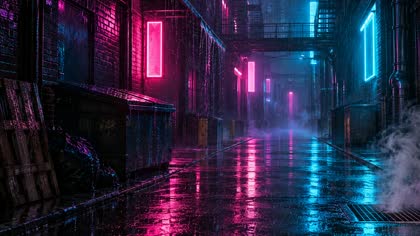
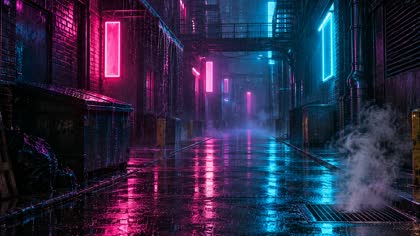
Rain-soaked alley at night, the analyzed reference frame
SHOT 0400:06.14 — 00:08.021.88s
1920 × 1080 / 30fps
PAN → ESTIMATED
Source: demo reel / shot 04overlay generated from measurements
03The prompt

The camera is already in the measurements.

Measured fields do the boring half: duration, aspect, light key, palette, motion, rhythm. You supply the subject and the intent. The pack writes three variants per shot, in the order a director would ask for them.

A prompt is just a shot list with the camera left in.

The workbench never invents a subject. It gives you a measured scaffold — lens, light, color, movement, length — and leaves the idea to you. Swap the product, keep the grammar.

literal remakesame camera / new subjectstylizedimage-to-video
PROMPT / SHOT 04REFERENCE 04_MID.JPGV1
measured 5 fields / user 3 fields16:9 · 2.0s

A rain-soaked alley at night, magenta and cyan neon, wet asphalt and steam. [subject + setting]

Slow pan right, eye level, low-key lighting, cool shadows, practical neon. Palette #ff2d8a · #00c8ff · #120f14.

2.0s · 16:9 · no dialogue · no text

3 variants / shot Write mine
04The limits

Measured, not clairvoyant.

The browser can see cuts, light, color, motion, and rhythm. It cannot read a caption, identify a face, or certify that a shot is AI. We say so on every report — and we tell you which tool to reach for when the question is forensic.

QuestionThis workbenchrea-video CLI
Where are the cuts, and how long is each shot?MeasuredMeasured
Reference frames and a storyboardIncludedIncluded
Camera, light, palette, motion, rhythmFirst passDetailed
Container, device, encoder, AIGC and C2PA tags—Probe
OCR captions, styled text, stickers—With OCR
Voice / music / effects separation—Stems
“Is this shot AI, filmed, or rendered?”Signals onlyWith VLM + review
Install, account, upload, costNonePython + ffmpeg

Browser limits: 3 minutes, 300 MB and 120 detected shots per clip. That is a technical guardrail, not a usage quota. For a verdict you can defend — metadata, OCR, stems, a vision model — run the rea-video CLI on the original file. The two are complementary, not competitors.

What is rea-video? →
05The original

Standing on someone else’s reel.

rea-video is the open-source CLI that inspired this workbench. It runs ffmpeg locally, reads the file’s metadata, does OCR, and can call a vision model. If you need forensics rather than a first pass, start there.

The CLI reads the file, not only the pixels: container and device tags, AIGC labels, C2PA manifests, OCR text tracks, separated stems. It can call a vision model for the shots the measurements cannot settle.

This site is the zero-install front door: the same curiosity, a smaller instrument, and a pack you can hand to a video model without opening a terminal.

Independent tool. Not affiliated with JuneYaooo or the rea-video project. The name is used to describe the workflow, not to claim authorship.
github.compublic
JuneYaooo / rea-video

Reverse-engineer any video, shot by shot. Filmed, AI-generated or coded — and how to remake it.

★ 3.9k⑂ 553PythonApache-2.0as of Nov 2026
# needs Python 3.10+ and ffmpeg
$ git clone https://github.com/JuneYaooo/rea-video.git
$ cd rea-video && pip install -e ".[ocr]"
$ rea-video decompose ref.mp4 -o out/ref
open source / Apache-2.0Open the repo ↗
06Questions

Short answers, no fog.

What the workbench is, what it is not, and how it relates to the open-source project.

What is Rea Video?

Rea Video is a browser-based video reverse-engineering tool that splits an uploaded clip into shots, extracts reference frames, and writes a shot-by-shot prompt pack for AI video generation. It runs locally; the video is not uploaded.

Is Rea Video the same as the rea-video GitHub project?

No. Rea Video is an independent browser tool inspired by the open-source rea-video CLI by JuneYaooo. It is not affiliated with that project. The CLI is the right tool for metadata, OCR, audio stems and vision-model review.

Are my videos uploaded?

No. The file is read with the browser’s File API and a local Blob URL. There is no upload endpoint, no account, and no server-side copy.

How large a video can I analyze?

The browser workbench accepts clips up to 3 minutes and 300 MB, with up to 120 detected shots. MP4/H.264 and WebM are the safest formats; HEVC support depends on the browser. For longer or larger files, use the rea-video CLI.

Can Rea Video tell me whether a shot is AI-generated?

No. It measures cuts, light, color, motion and rhythm, and it can flag signals such as flat textures or static frames. It does not certify that a shot is live, AI-generated or rendered. For a forensic verdict, use the rea-video CLI with metadata, OCR and a vision model.

Is it free?

Yes. There is no account, payment, watermark or daily quota. The limits are technical: 3 minutes, 300 MB and 120 shots per clip.

Your next reference is already filmed.

Drop it on the table. Twelve seconds or three minutes, one take or forty cuts. The analysis runs in this tab; the pack downloads when it is done.